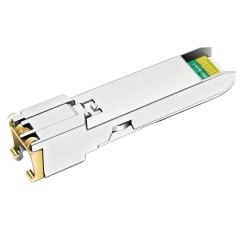
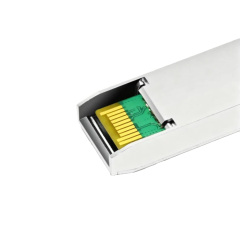
| NO. | Brand | Compatible P/N | Transceiver Type |
| 1 | Aruba | SFP-TX | |
| 2 | Avaya | 700283872 | |
| 3 | D-link | DGS-712 | |
| 4 | DELL | 310-7225 | |
| 5 | Extreme | MGBIC-02 | |
| 6 | F5 Networks | F5-UPG-SFPC-R | |
| 7 | Fortinet | FN-TRAN-GC | |
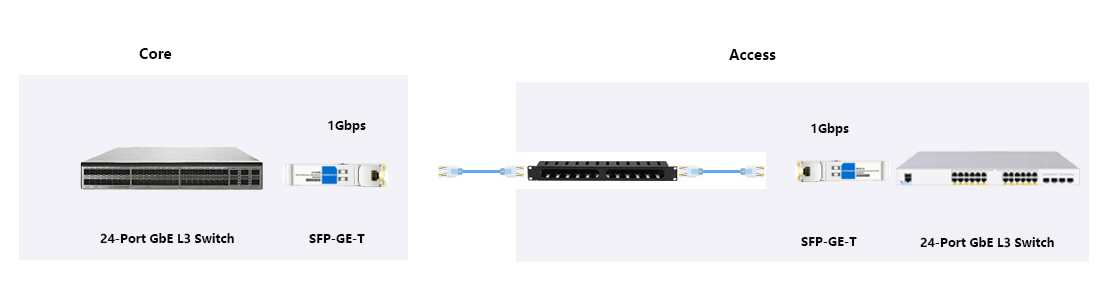
| 8 | H3C | SFP-GE-T | |
| 9 | HPE BladeSystem | 453154-B21 | |
| 10 | Netgear | AGM734 | |
| 11 | Nortel | AA1419043-E6 |
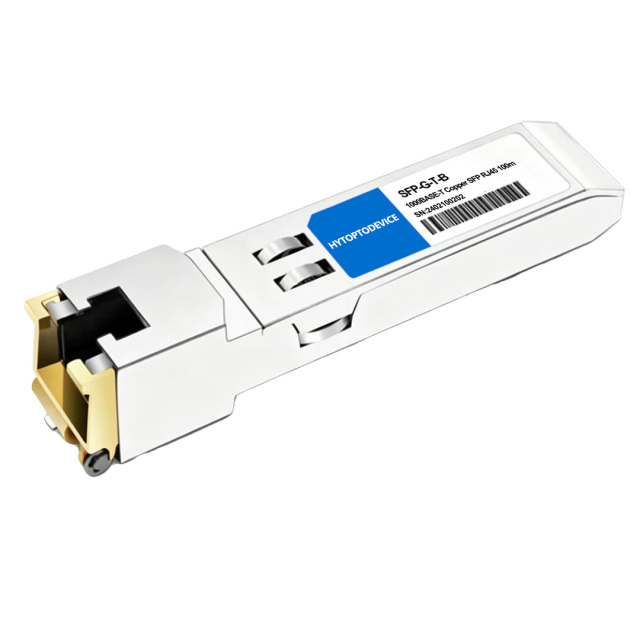
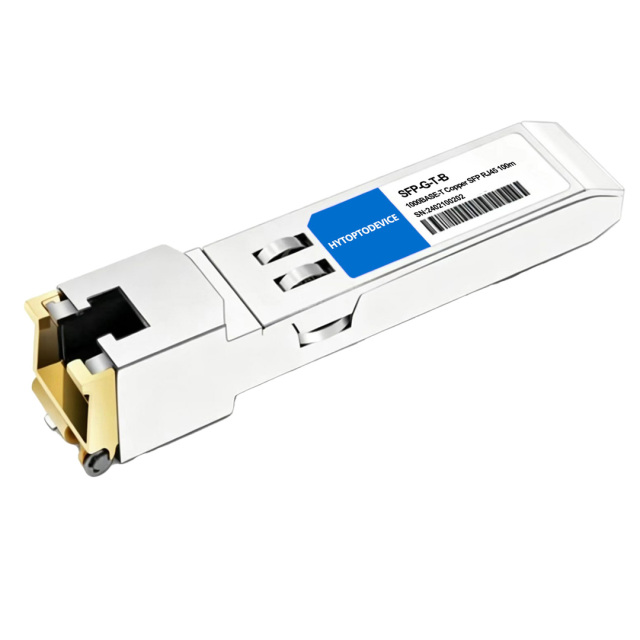
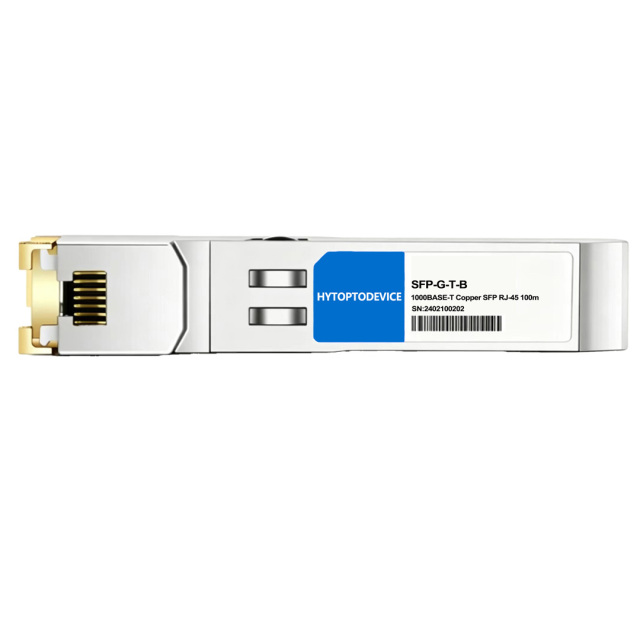
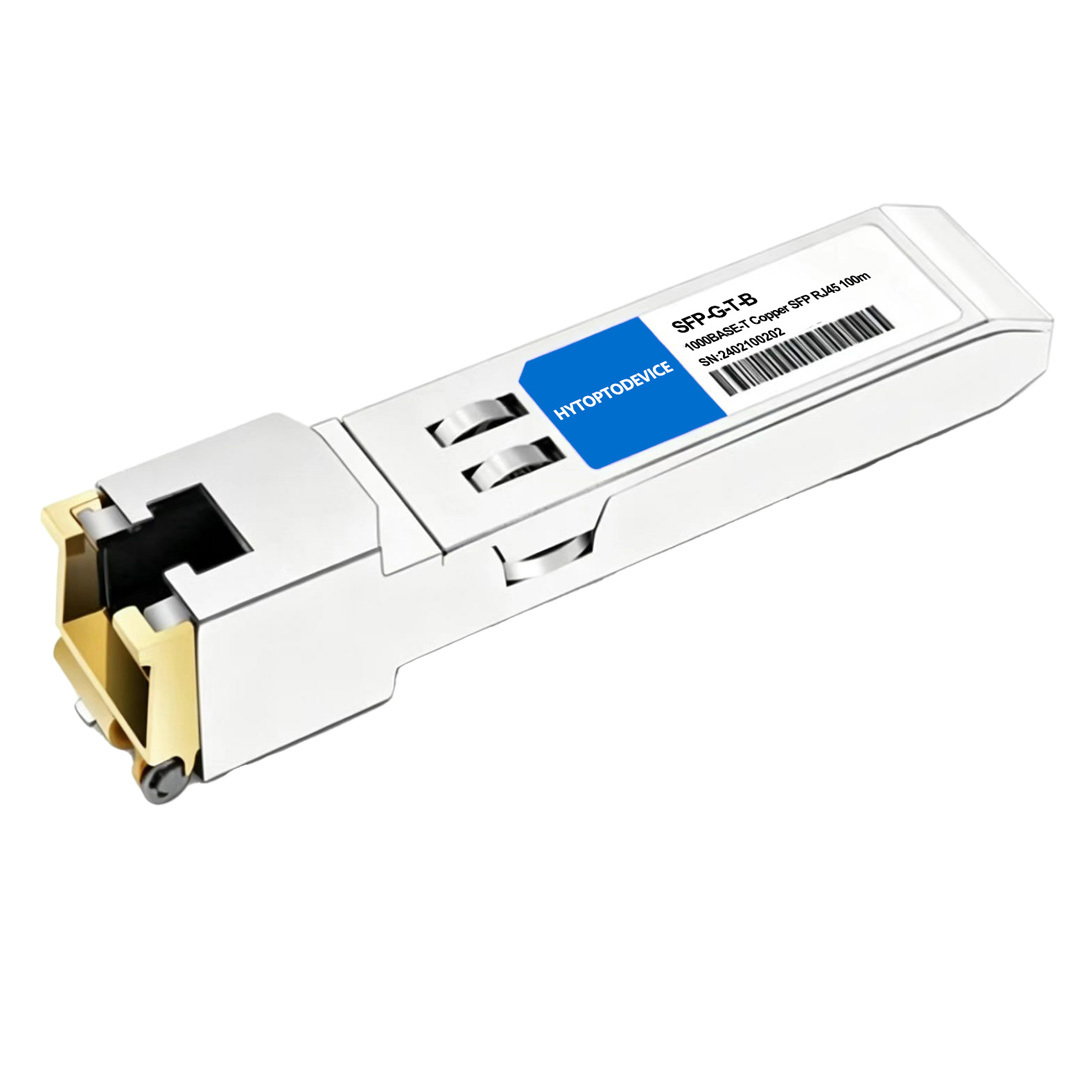
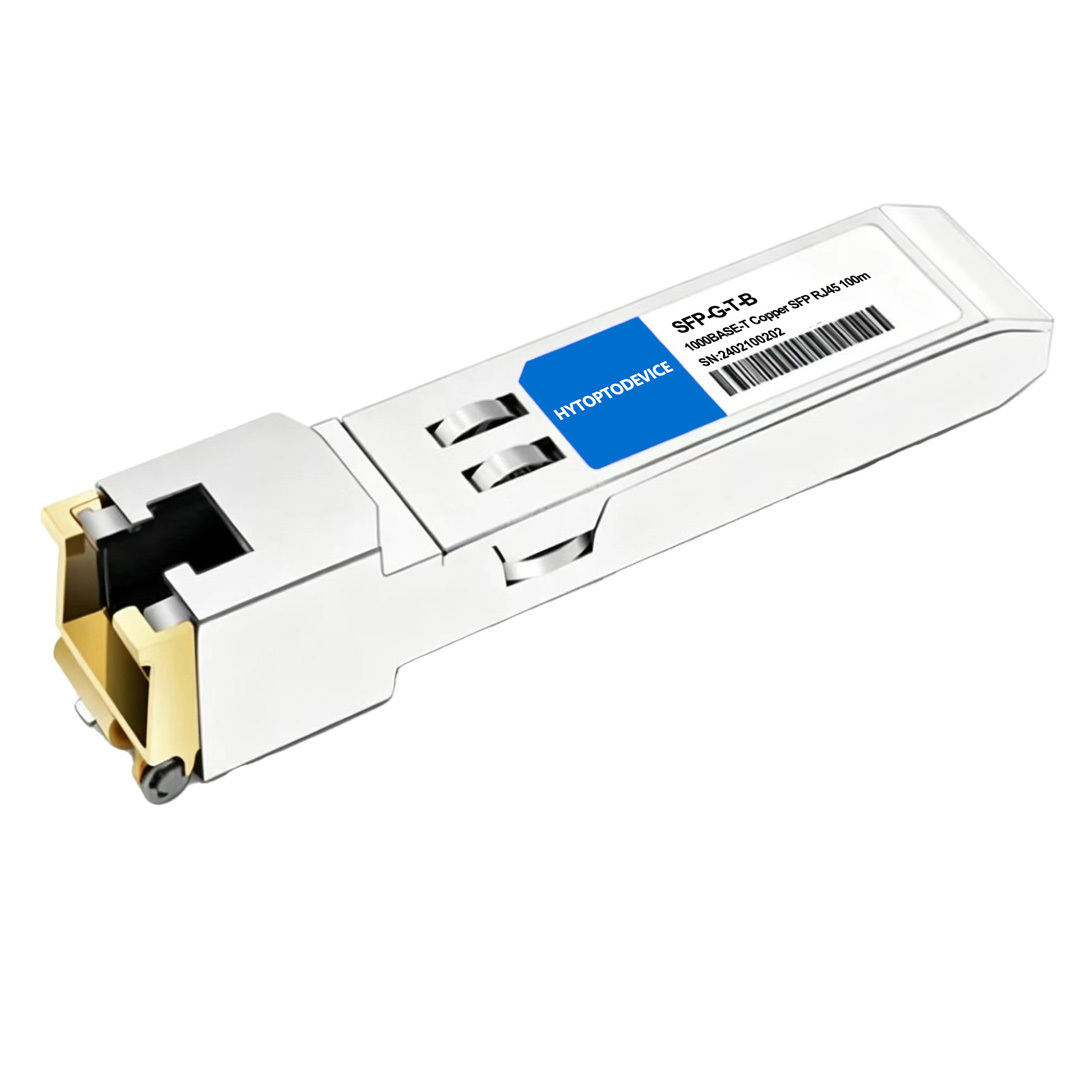
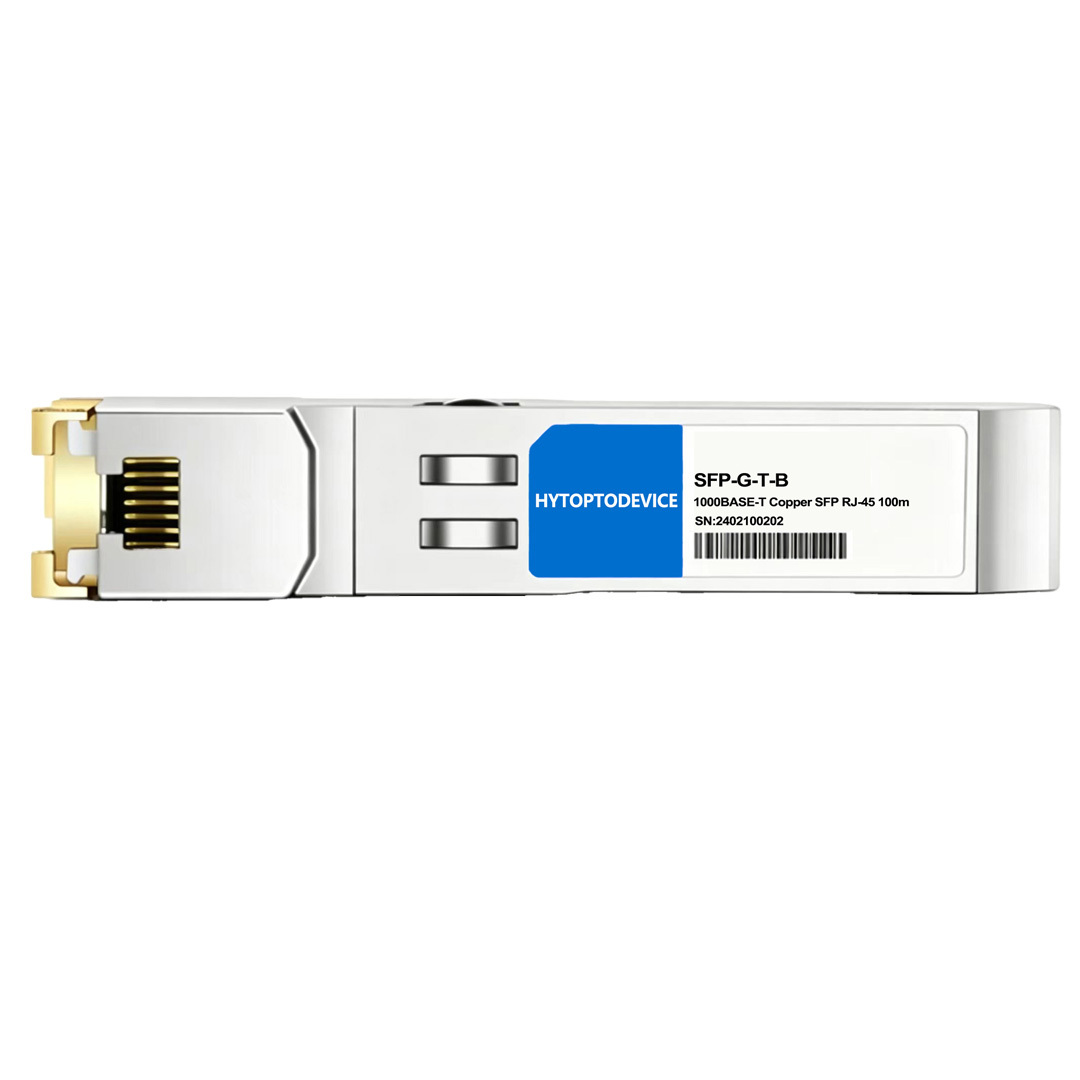
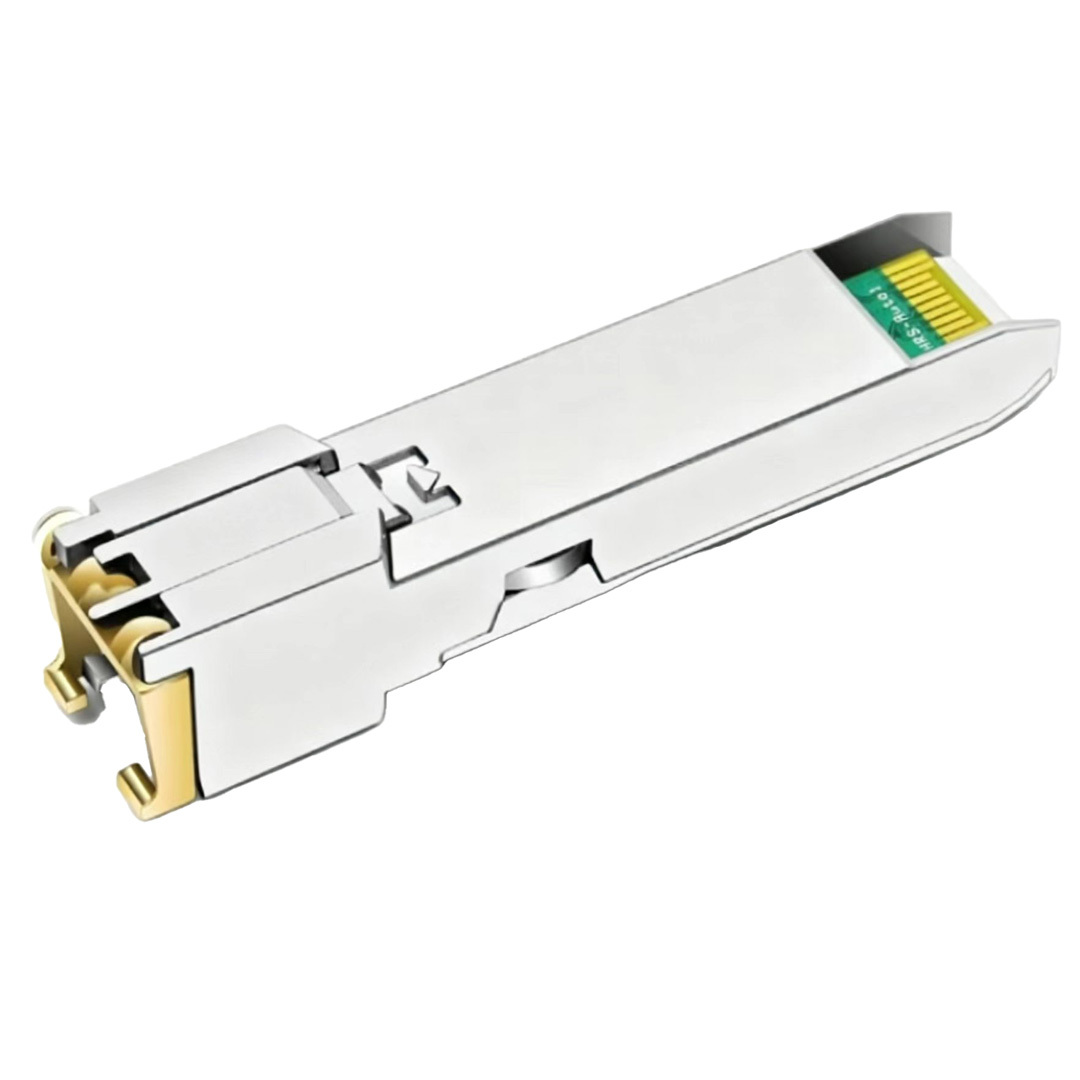
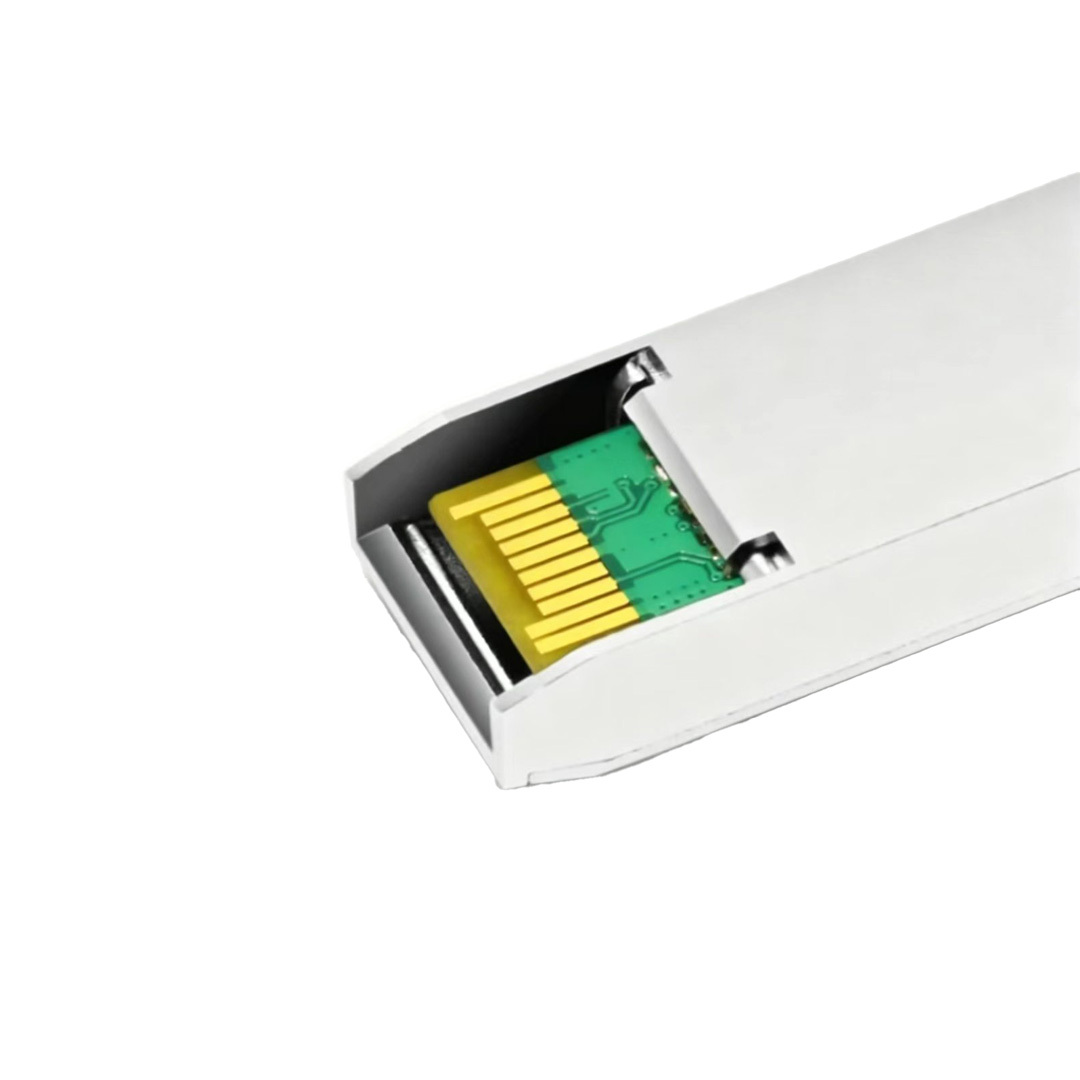
| Dell Compatible | 310-7225 | Vendor Name | HYTOPTODEVICE |
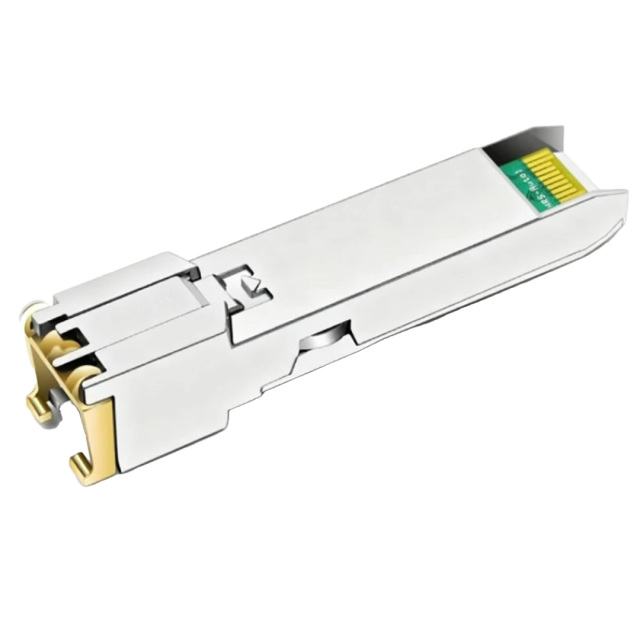
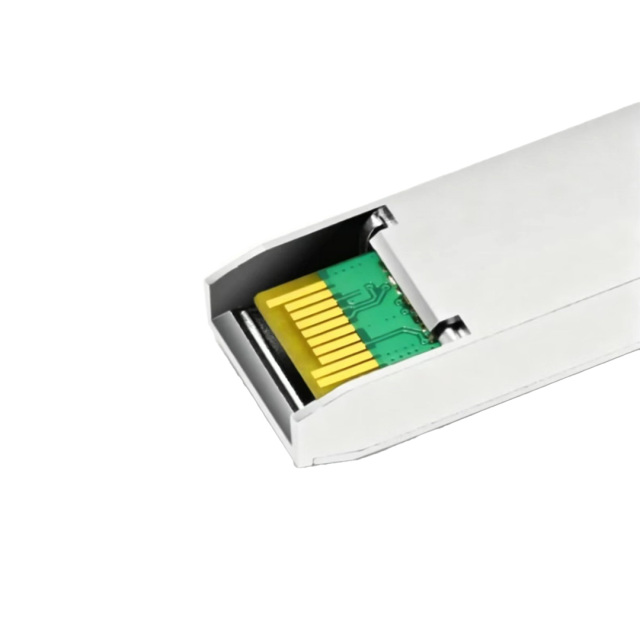
| Form Factor | SFP | Data Rate | 1000Mbps |
| Connector | RJ-45 | Cable Distance | 100m |
| Media | Copper | Cable Type | Cat 5e/6/6a (UTP) |
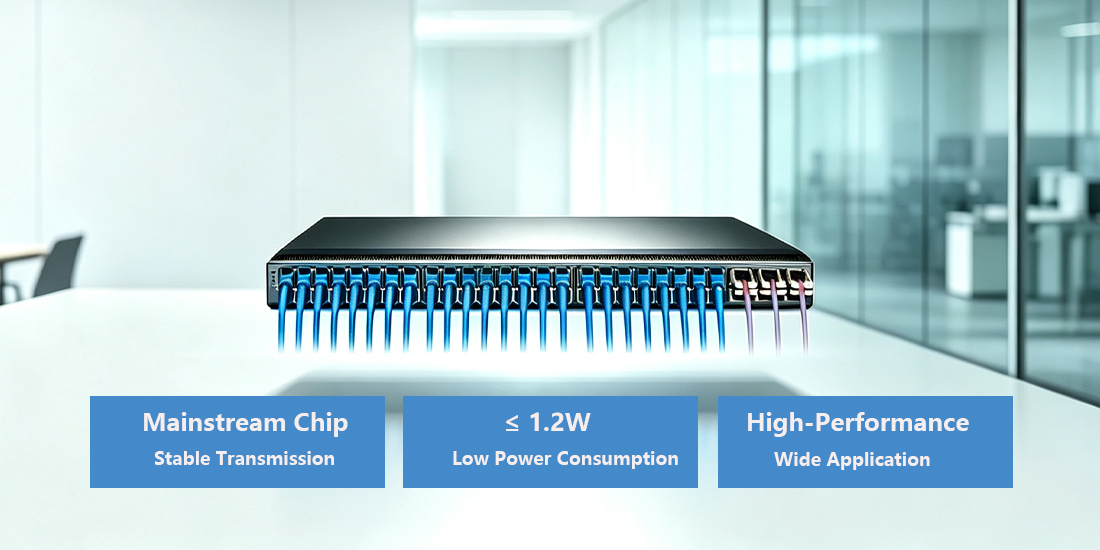
| Max. Power Consumption | ≤1.2W | DDM Support | YES |
| Protocols | MSA Compliant, IEEE STD 802.3 and 802.3ab | Operation Temperature | 0 to 70°C (32 to 158°F) |
Standard: Cat5e or Cat6 twisted-pair cable is required to achieve full 100-meter Gigabit performance.
Note: Standard Cat5 cable may limit link stability at full 1G speed and is not recommended.
Live Insertion: The SFP RJ45 transceiver supports live insertion and removal.
Precaution: Avoid repeated hot swapping under continuous heavy traffic loads to ensure optimal hardware longevity.
Heat Dissipation: This 1Gbps copper module generates mild heat during operation.
Deployment Advice: Verify the switch thermal budget and ensure adequate ventilation before fully populating all SFP ports.
Fixed Rate: This RJ45 transceiver operates at a fixed 1000Mbps speed only.
Compatibility Warning: It cannot auto-negotiate down to 100Mbps or 10Mbps. The connected peer device must support 1G speed to successfully establish a link.
Storage Environment: Keep unused transceivers stored in dry, ESD-safe packaging.
Dust Protection: Always fit dust caps onto the RJ45 port when the module is not in service.
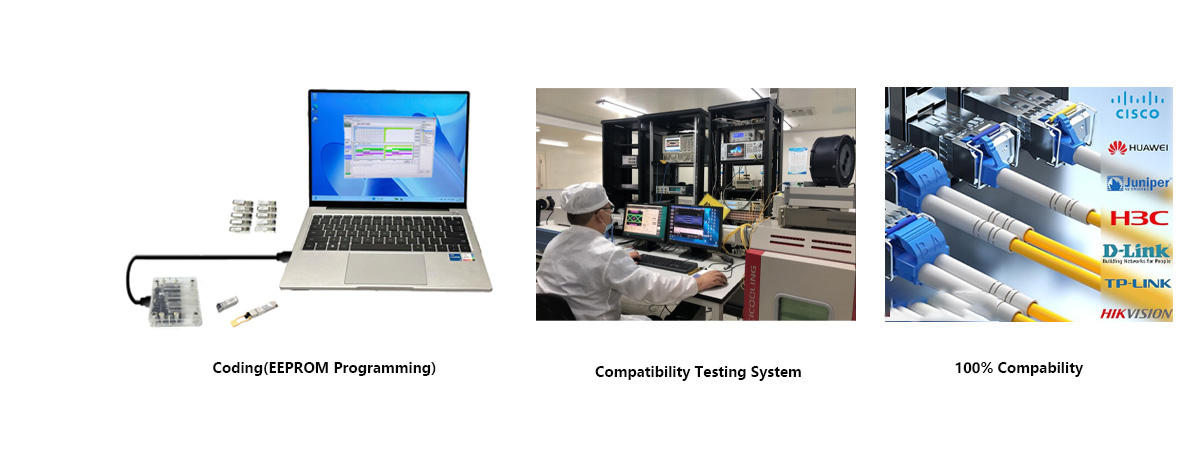
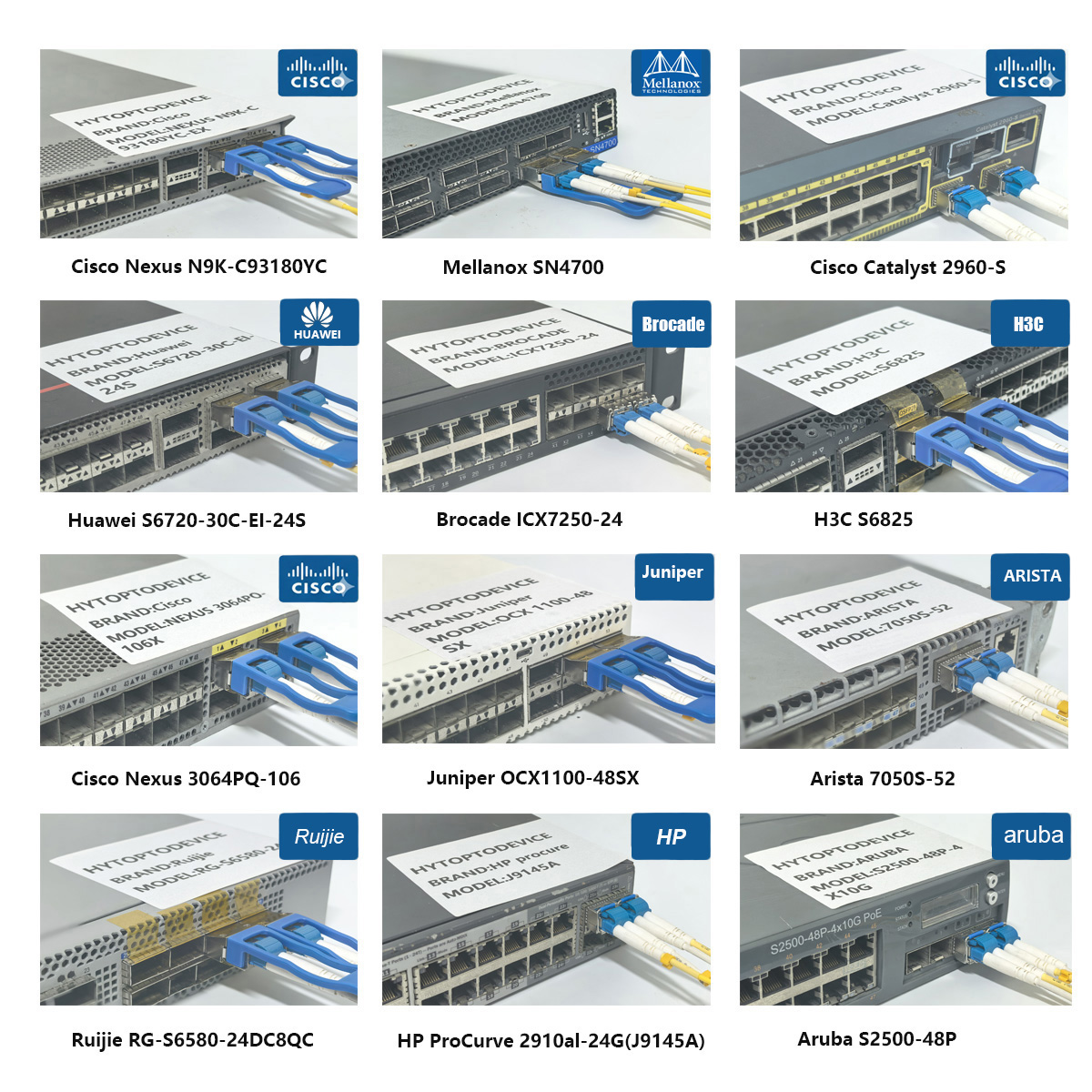
Built on SFP MSA and IEEE standards, this copper RJ45 transceiver also works with Cisco, Arista, MikroTik, Avaya Nortel and other mainstream network hardware, ideal for mixed-vendor legacy network upgrade projects.
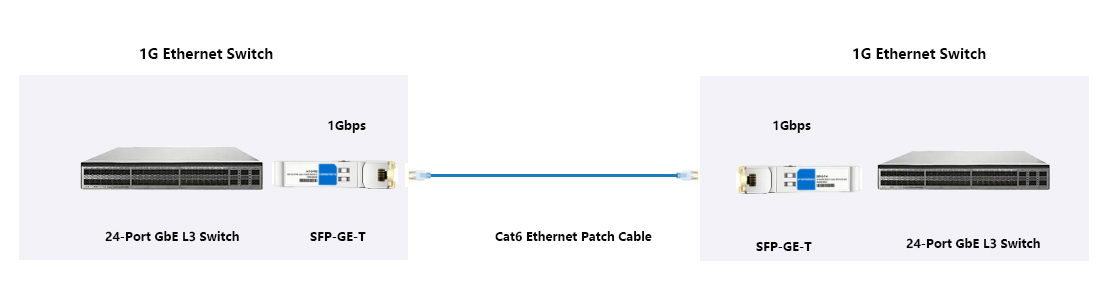
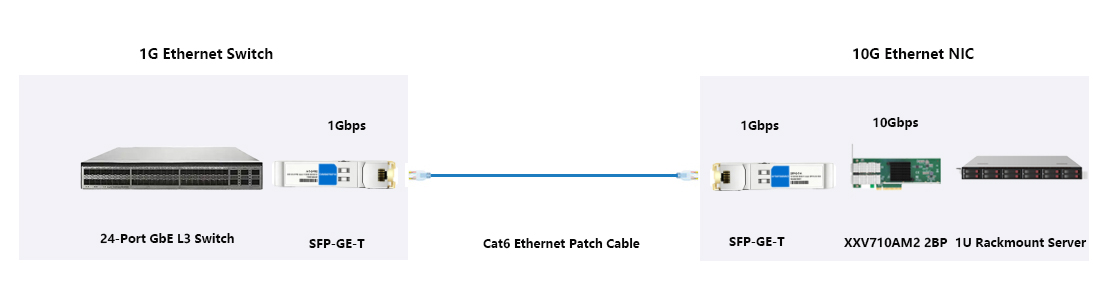
The Core Features

FAQ
Q1: How does 1000BASE-T handle heavy, multi-user network congestion? A: 1000BASE-T handles multi-user congestion well within the 1Gbps per-port bandwidth limit. HYTOPTODEVICE Dell 310-7225 compatible Copper RJ45 transceiver supports standard Ethernet flow control to reduce packet loss during traffic spikes. If aggregate traffic exceeds 1Gbps per port, packet queuing delays will occur; QoS configuration is recommended for busy enterprise LAN environments.
Q2: Is 1000BASE-T sufficient for heavy 4K/8K video editing and transfer workflows? A: 1000BASE-T works reliably for compressed 4K media file transfer but creates a bottleneck for uncompressed 8K raw video workflows. Our HYTOPTODEVICE Copper RJ45 transceiver delivers stable 1Gbps throughput for 4K collaborative editing. For heavy 8K raw media transfer, 10G network links are recommended for smoother workflow.
Q3: Will my Wi-Fi 6/7 access points bottleneck if connected via 1000BASE-T ports? A: Yes, 1000BASE-T creates bandwidth bottlenecks for Wi-Fi7 APs under full load. This HYTOPTODEVICE Dell compatible Copper RJ45 transceiver provides maximum 1Gbps port bandwidth. A single fully loaded Wi-Fi7 AP can easily surpass 1Gbps throughput, so 10G uplink is ideal for high-density wireless deployments. Wi-Fi6 with low concurrent users can operate normally on 1G.
Q4: Can 1000BASE-T handle synchronous upload and download speeds simultaneously? A: Yes, 1000BASE-T supports full-duplex bidirectional transmission. This HYTOPTODEVICE Copper RJ45 transceiver runs full-duplex mode, supporting 1Gbps upload and 1Gbps download at the same time over one copper twisted pair cable, delivering up to 2Gbps total aggregate bandwidth.
Q5: Is 1000BASE-T future-proof for upcoming smart office automation demands? A: 1000BASE-T is adequate for most smart office IoT devices, though not fully future-proof for high-bandwidth applications. HYTOPTODEVICE Copper RJ45 transceiver works perfectly for IP cameras, environmental sensors and office endpoints. For future high-speed workstation connections, plan an upgrade path to 10G during network expansion.
Q6: What is the maximum cable length supported by 1000BASE-T without signal degradation? A: The IEEE standard maximum reach for 1000BASE-T is 100 meters over certified Cat5e or Cat6 UTP. This HYTOPTODEVICE Dell 310-7225 compatible Copper RJ45 transceiver strictly follows IEEE specs. Cables longer than 100m trigger signal attenuation, higher BER and intermittent link flapping.
Q7: Is shielded cabling (STP) strictly required, or is unshielded (UTP) sufficient? A: Standard unshielded Cat5e/Cat6 UTP cabling is sufficient for regular indoor enterprise environments. STP shielded cable is only required in high EMI industrial spaces with heavy machinery. Our HYTOPTODEVICE Copper RJ45 transceiver delivers stable performance with standard UTP in typical office and campus networks.
Q8: Will my older 10/100 devices work seamlessly on a 1000BASE-T switch? A: Legacy 10/100Mbps devices can connect only if the host Dell switch port supports speed auto-negotiation. This HYTOPTODEVICE Copper RJ45 transceiver only runs fixed 1000Mbps. Without switch-side speed negotiation, the link will fail to connect with old Fast Ethernet hardware.
Q9: Are pre-made patch cables better than field-terminated cables for Gigabit speeds? A: Factory pre-made certified patch cables deliver more consistent gigabit performance. Field-terminated cables are prone to crosstalk and wiring faults if crimped incorrectly. When paired with HYTOPTODEVICE Copper RJ45 transceiver, pre-assembled Cat5e/Cat6 patch cords reduce network troubleshooting time.
Q10: Is it cheaper to buy separate 1G switches or a single high-density modular switch? A: Standalone fixed 1G switches have lower upfront cost for small networks. Medium-to-large growing enterprise sites benefit more from one high-density modular switch with SFP slots accepting HYTOPTODEVICE Copper RJ45 transceivers, cutting long-term hardware and network management costs.
Q11: Do I need advanced IT skills to configure a 1000BASE-T switch? A: Basic networking knowledge is enough for routine deployment. Unmanaged Dell switches fitted with HYTOPTODEVICE Copper RJ45 transceivers operate plug-and-play. Managed switches require simple VLAN and QoS setup, which does not demand expert-level IT training for enterprise network administrators.
Q12: How does VLAN configuration impact 1000BASE-T switch performance? A: Correctly configured VLANs have almost no impact on 1000BASE-T throughput, as VLAN tagging is processed by switch ASIC hardware. Improper configuration such as excessive broadcast domains or mismatched trunk settings can trigger broadcast storms and degrade links using HYTOPTODEVICE Copper RJ45 transceivers.
Q13: What kind of cooling or ventilation do high-density 1000BASE-T rack switches require? A: High-density rack switches need proper front-to-back airflow and unrestricted rack ventilation. Each HYTOPTODEVICE Copper RJ45 transceiver consumes only ~1.2W and produces minimal heat. Still, fully populated racks need working fans to avoid thermal throttling on the switch mainboard.
Q14: How do network loops occur in 1000BASE-T networks, and how are they prevented? A: Network loops appear when redundant inter-switch links exist without loop protection. STP/RSTP automatically detects and blocks redundant paths. Even with HYTOPTODEVICE Copper RJ45 transceivers installed, enabling spanning tree protocol on managed Dell switches prevents broadcast storms and full network outages.
Q15: What kind of manufacturer warranty and technical support do top-tier 1000BASE-T vendors offer? A: Reputable vendors generally provide multi-year hardware warranty plus optional professional technical support packages. HYTOPTODEVICE offers quality warranty, batch test reports and pre-sales & after-sales technical support for 1000BASE-T Copper RJ45 transceivers for wholesalers, integrators and bulk buyers.
Q16: Is firmware updates easy and safe to perform on modern managed Gigabit switches? A: Firmware updates are straightforward and low-risk when following official operation guides. Always back up switch configurations before upgrading firmware. HYTOPTODEVICE Copper RJ45 transceivers do not require firmware updates themselves; compatibility relies fully on the host Dell switch firmware version.
Packaging & Custom OEM Solutions
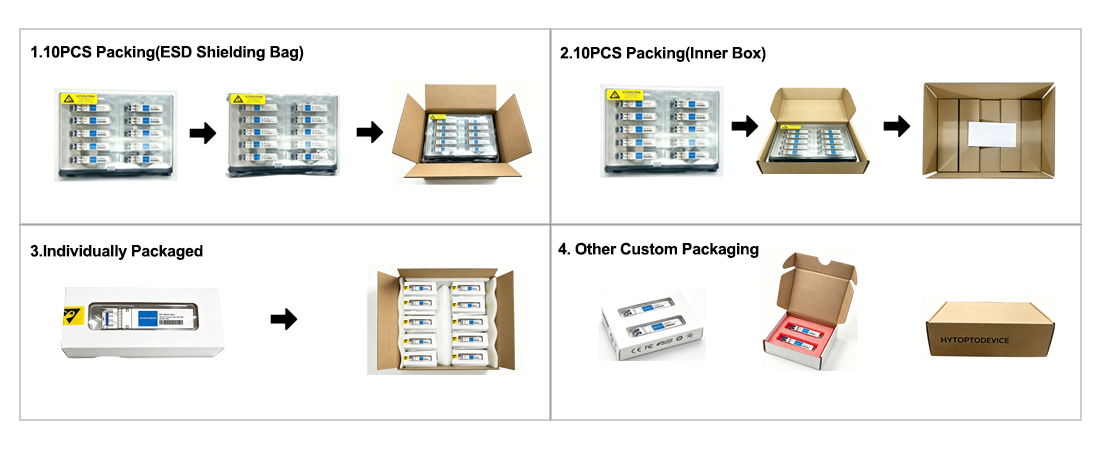
ESD Protection & Fast Shipping: Every module is sealed in an ESD-safe bag and ready for same-day dispatch from stock.
Custom OEM & Branding: We provide logo printing, private labeling, and custom packaging to help distributors and integrators build their brand—no factory investment required.
Why Network Engineers Choose HYTOPTODEVICE
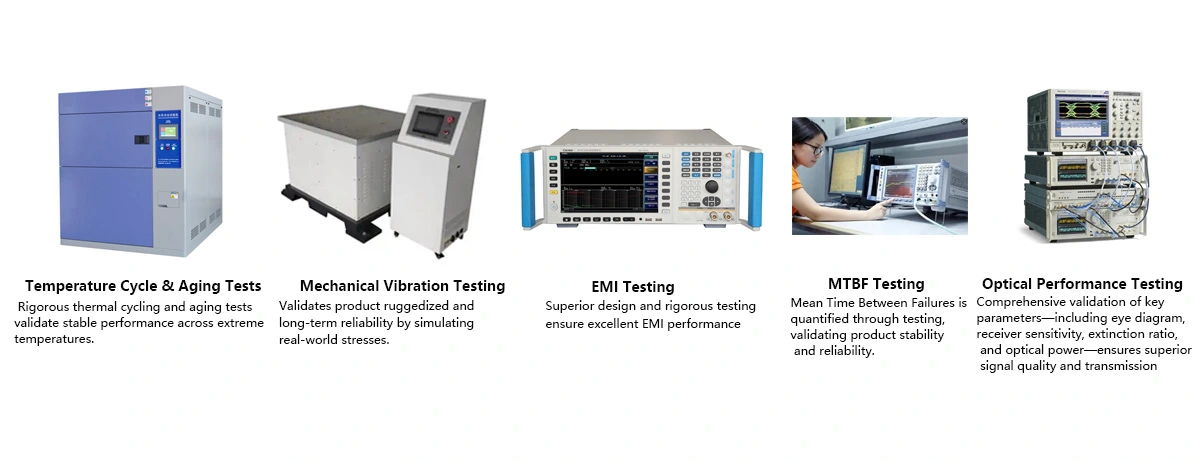
HYTOPTODEVICE has supplied over 5000,000 optical transceiver modules to data centers, ISPs, and enterprise networks across 100+ countries since 2011. Every module undergoes a 72-hour burn-in test and full DDM/DOM validation before shipment.
“Phenomenal performance. We deployed 200 HYTOPTODEVICE SFP modules to replace Cisco OEMs in our backbone network. Result? Zero compatibility issues and a 60% reduction in costs. Highly recommended for mission-critical networks."— Senior Network Engineer, Regional Telecom, Australia
Quality Certification & Compliance
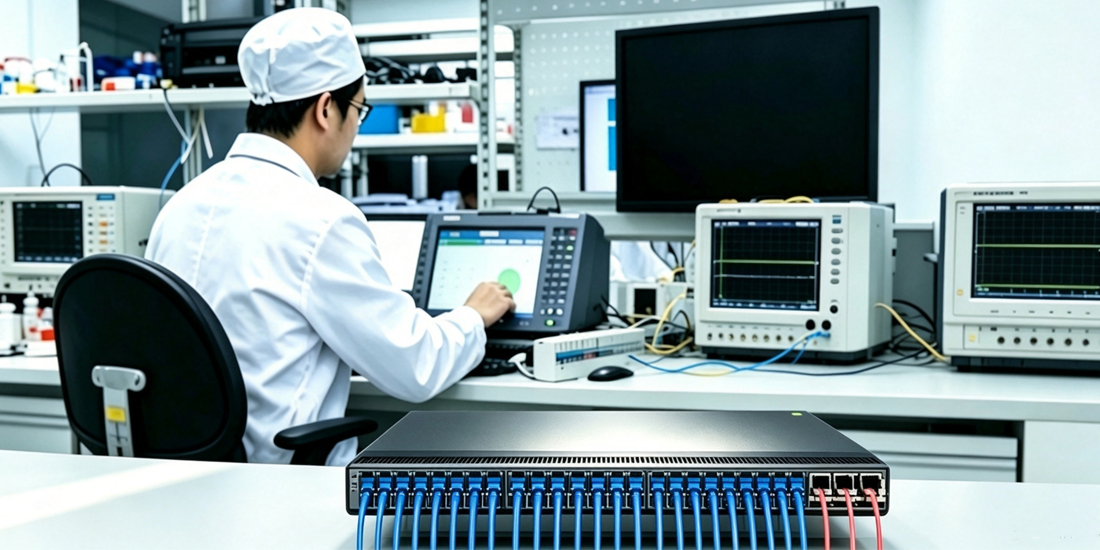
At HYTOPTODEVICE, our quality commitment is backed by industry-standard validations. From fiber optical transceiver manufacturing to final visual inspection, from IQC、IPQC、FQC to OQC, our processes ensure global compliance and reliability.
We adhere to rigorous standards for our SFP modules and network solutions:
ISO 9001: Certified quality management and production consistency.
CE & FCC: Fully compliant for seamless Global Market Access.
RoHS: Committed to environmental responsibility and hazardous material control.
Proven Reliability: Rigorous testing to reduce compliance risk and ensure safety.
Certified Quality. Global Standards. Guaranteed Performance.