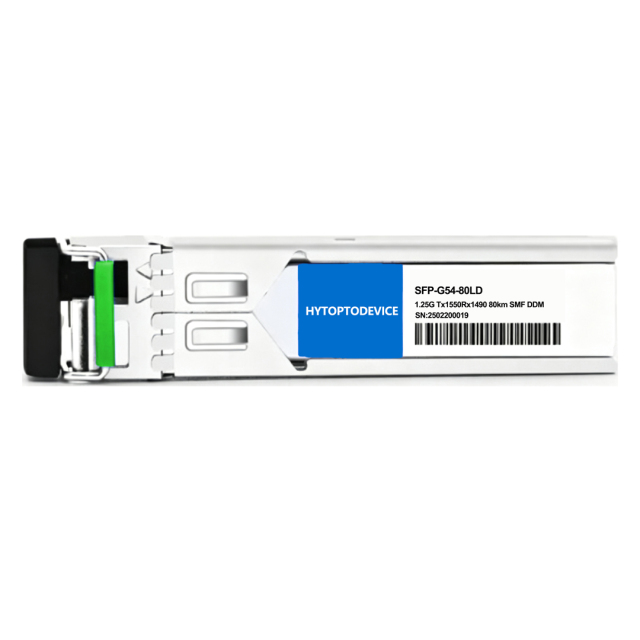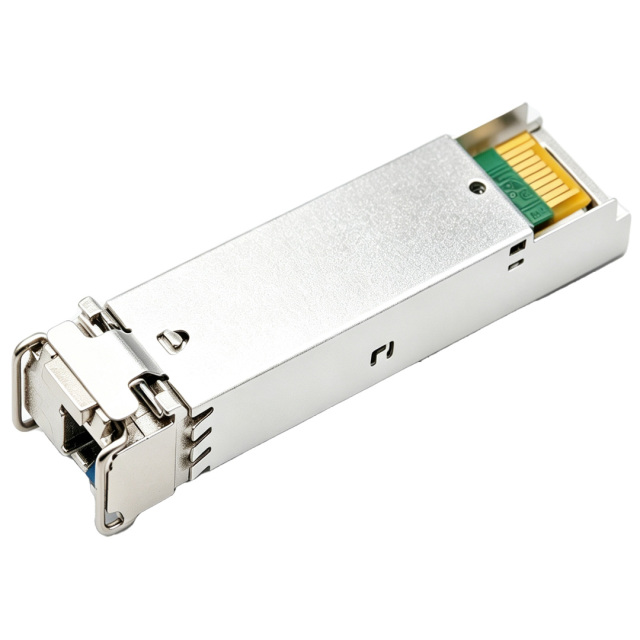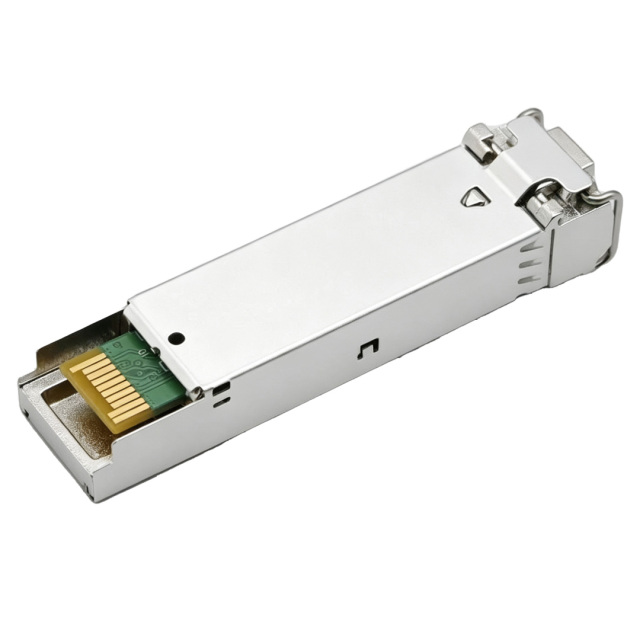
| NO. | Brand | Compatible P/N | Transceiver Type |
| 1 | Cisco | GLC-BX80-DA | |
| 2 | Cisco | Cisco GLC-BX80-DA-I | |
| 3 | Brocade | E1MG-1G-BXD-80 | |
| 4 | Dell | SFP-GE-BX80-1550 | |
| 5 | Extreme | MGBIC-BX80-U | |
| 6 | H3C | SFP-GE-LH70-SM1550-BIDI | |
| 7 | HPE H3C | SFP-1G-BXD-80 | |
| 8 | Huawei | SFP-GE-ZBXD1 | |
| 9 | Juniper | SFP-GE80KT15R14 | |
| 10 | MikroTik | S-4554LC80D-1550 | |
| 11 | Netgear | SFP-GE-BX80-D |
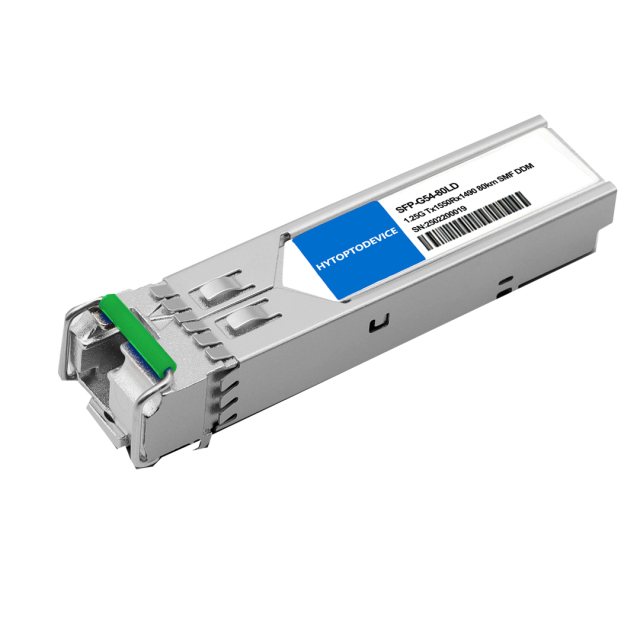
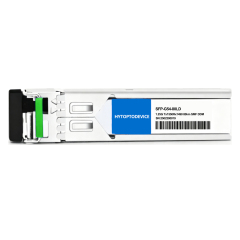
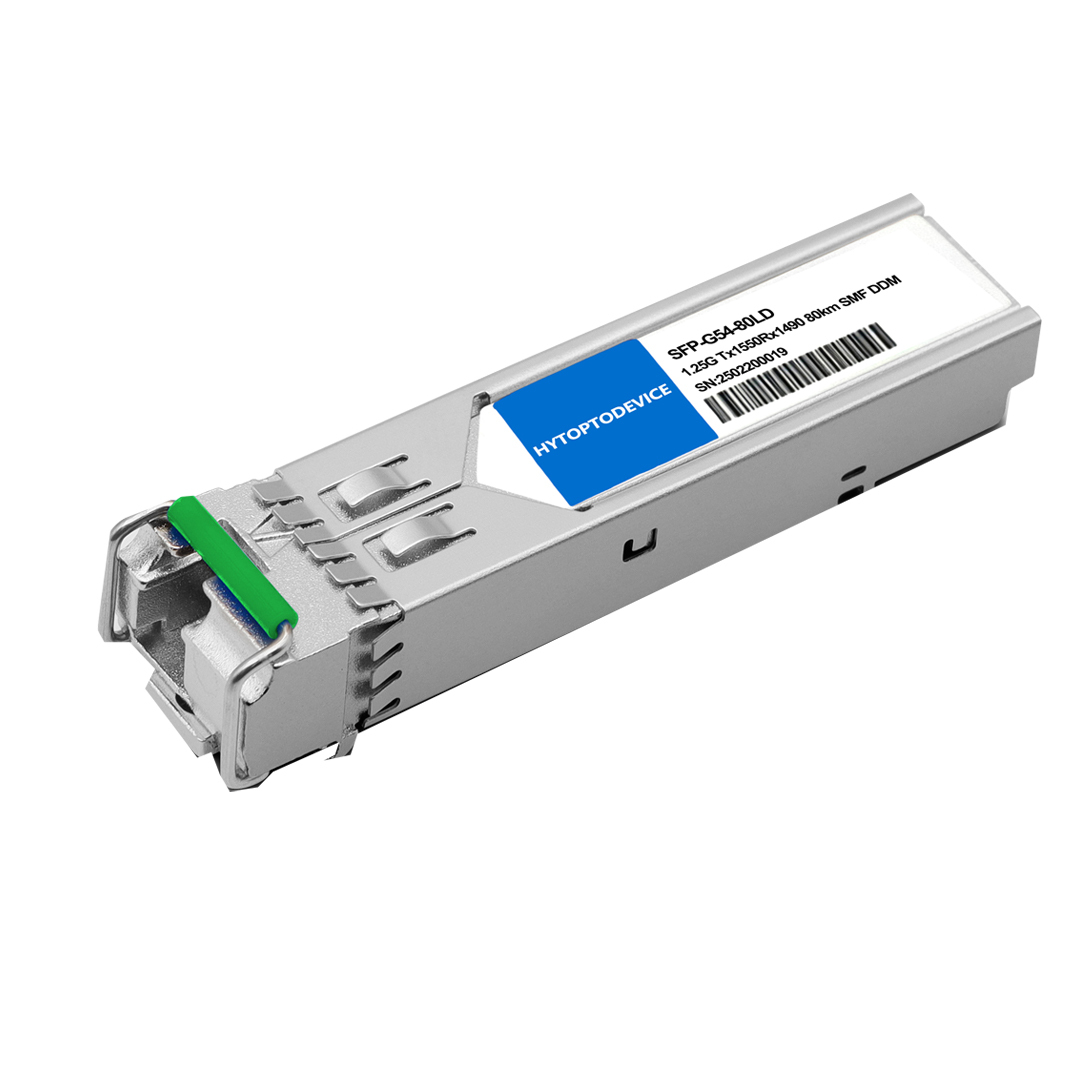
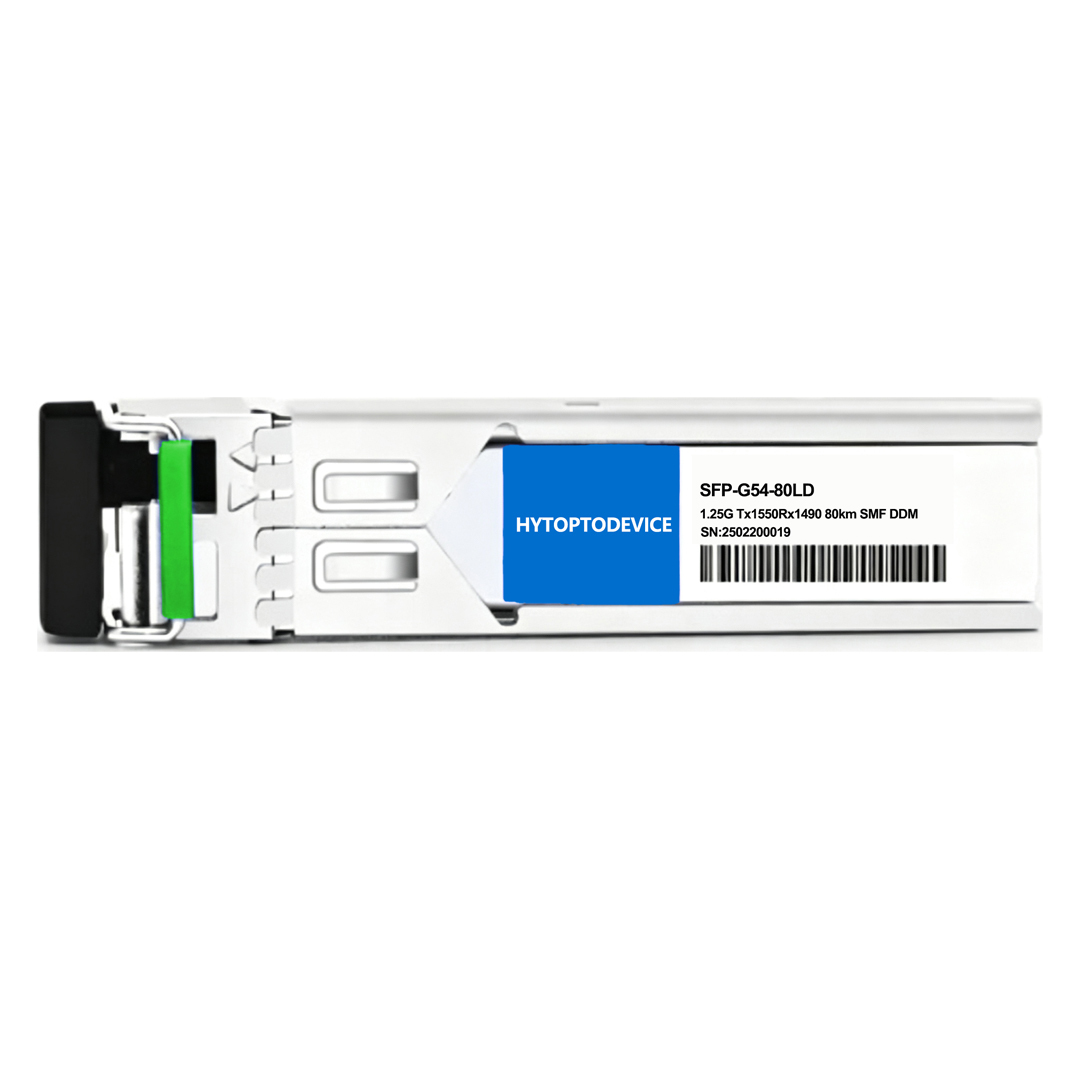
| Cisco Compatible | GLC-BX80-DA | Vendor Name | HYTOPTODEVICE |
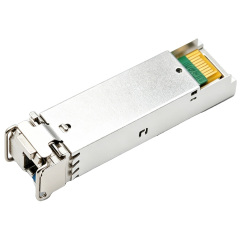
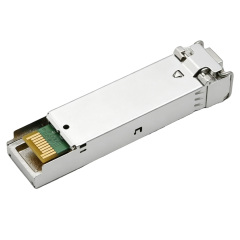
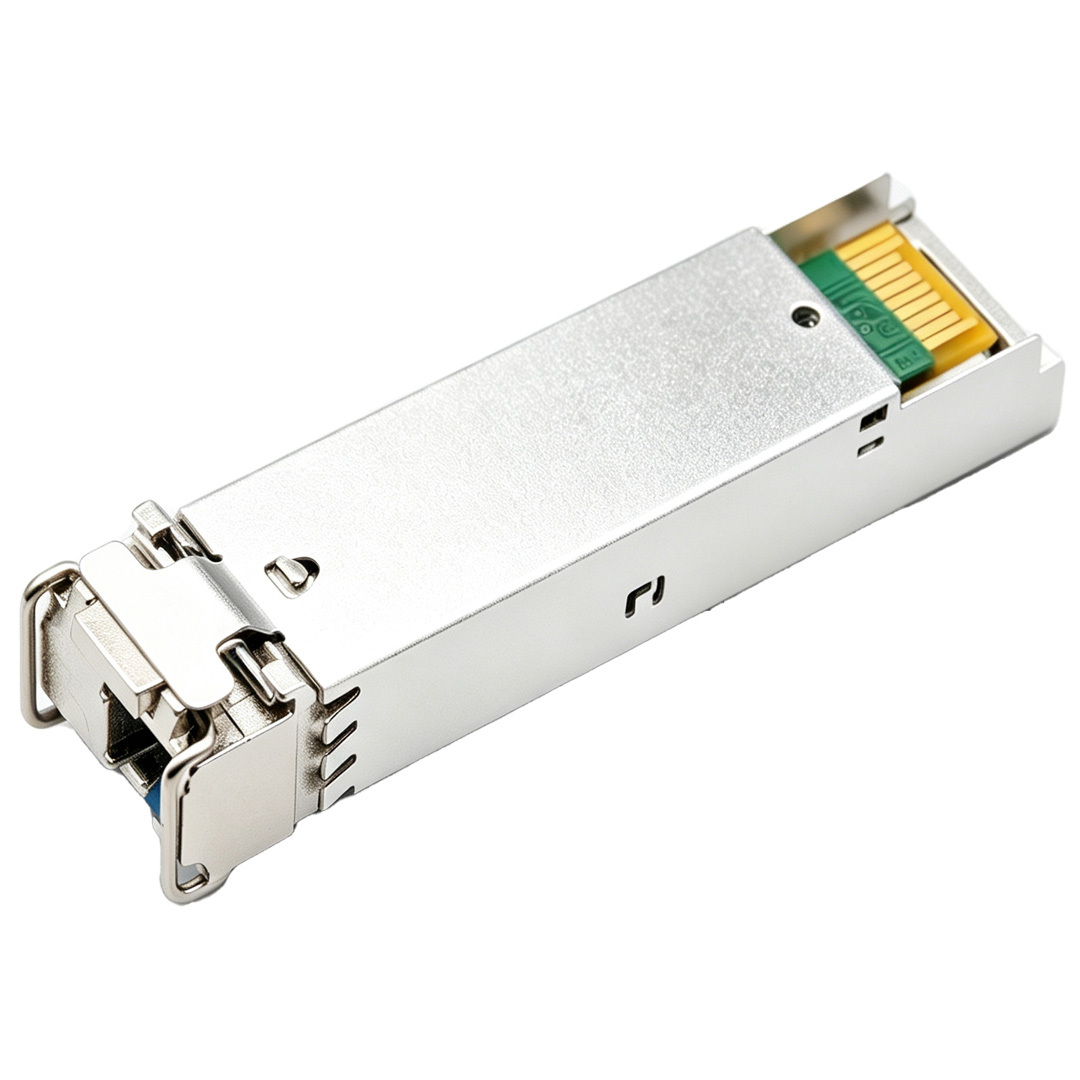
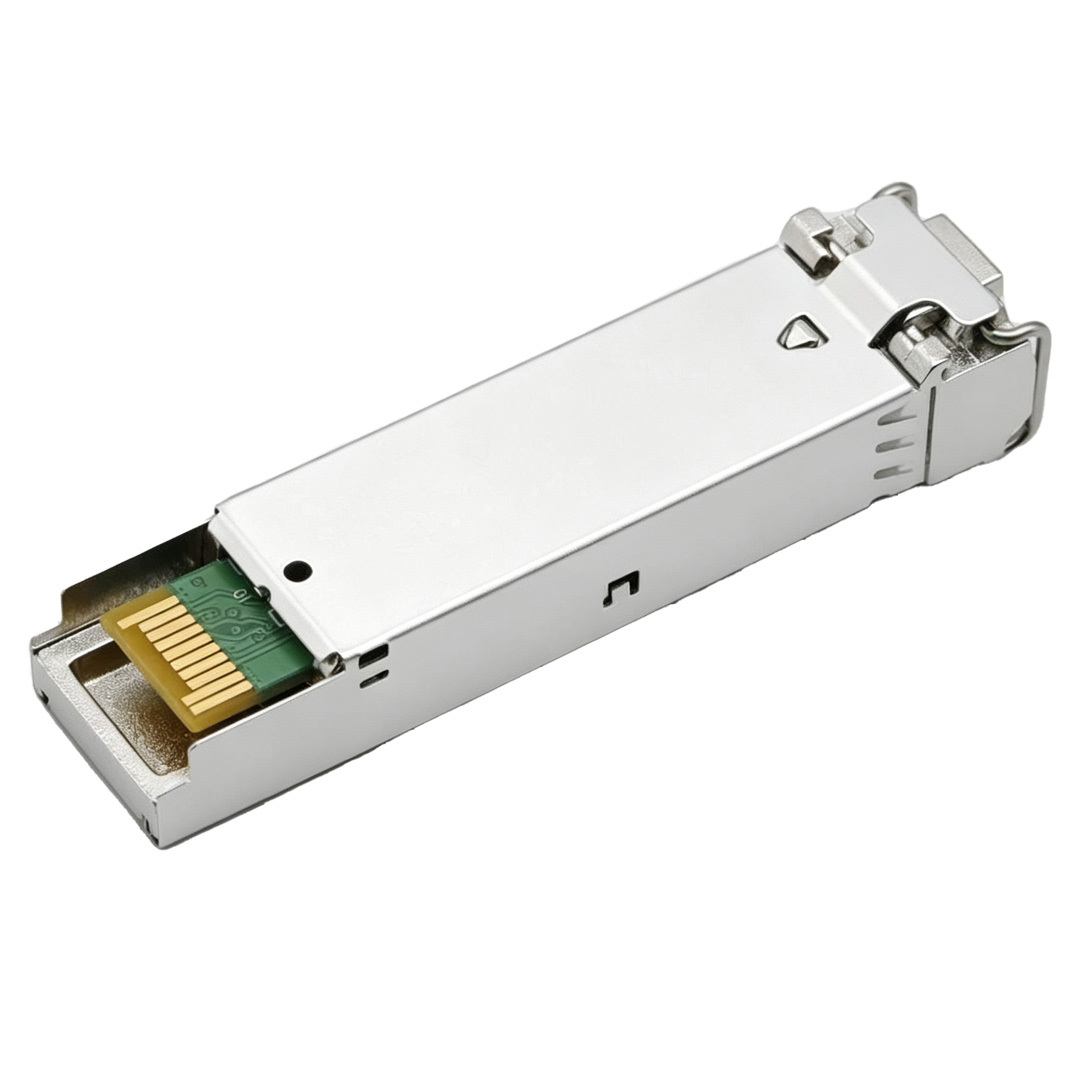
| Form Factor | SFP | Max Data Rate | 1.25Gbps |
| Wavelength | TX1550nm/RX1490nm | Max Distance | 80km |
| Connector | Simplex LC | Transmitter Type | 1550nm DFB |
| Cable Type | SMF | Receiver Type | PIN |
| TX Power | 0~5dBm | Receiver Sensitivity | < -26.0dBm |
| Protocols | SFF-8472 MSA Compliant, IEEE 802.3ah-2004 | Operation Temperature | 0 to 70°C (32 to 158°F) |
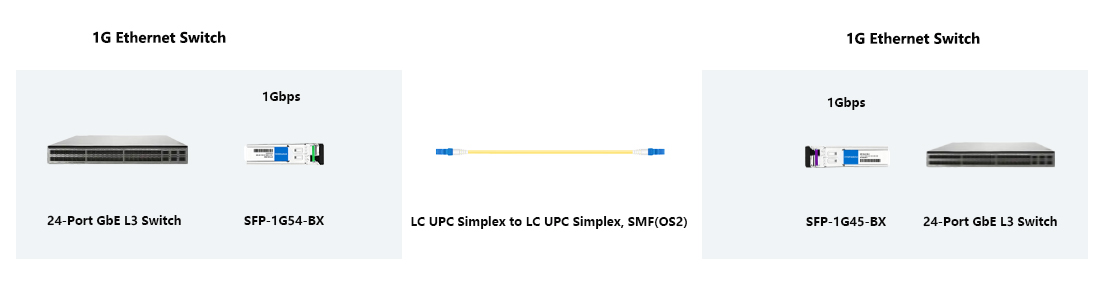
Complementary Pairing: BiDi transceivers must be deployed in matched pairs (e.g., TX1490/RX1550 with TX1550/RX1490). Mismatched wavelengths cannot establish a link.
Fiber Choice: Use Single-Mode Fiber (SMF) only. Do NOT use MMF.
Connector Match: Simplex LC (UPC/PC polish only). Do NOT use Duplex LC or APC.
Laser Safety: Class 1 Laser. Never look directly into optical ports or fiber end-faces.
ESD Safety: Wear an anti-static wrist strap before handling the transceiver.
Cleanliness & Dust: Keep dust caps installed on all unused ports. Clean fiber connectors with an optical cleaning pen before insertion; dust causes over 80% of link failures.
Optical Attenuator Required: For short-distance testing or links (<20 km), connect a 10dB–15dB attenuator to the RX port to prevent receiver damage.
Installation & Hot-Swap: MSA compliant. Insert and remove gently without powering down the device.
High Loss / Packet Drops: Ensure fiber bend radius exceeds 30 mm, inspect optical power levels, and clean connectors.
No Link: Verify complementary BIDI wavelength pairing requirement; clean Simplex LC end-faces; check port speed configuration.
1. Supported Hardware & Firmware
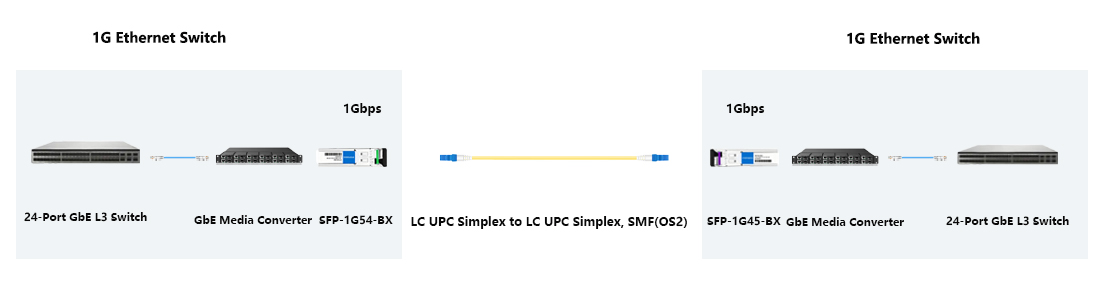
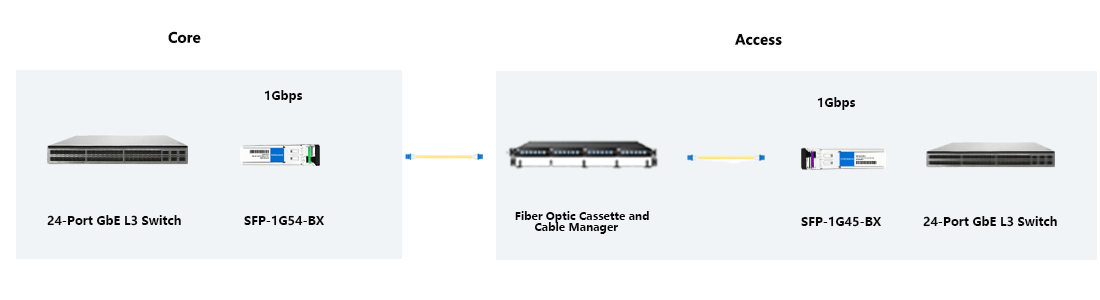


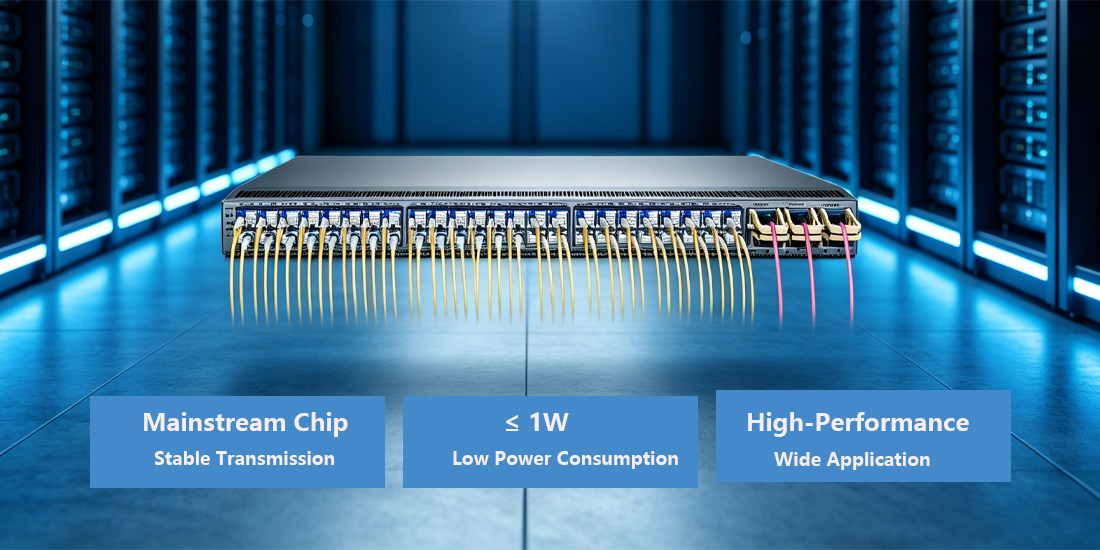


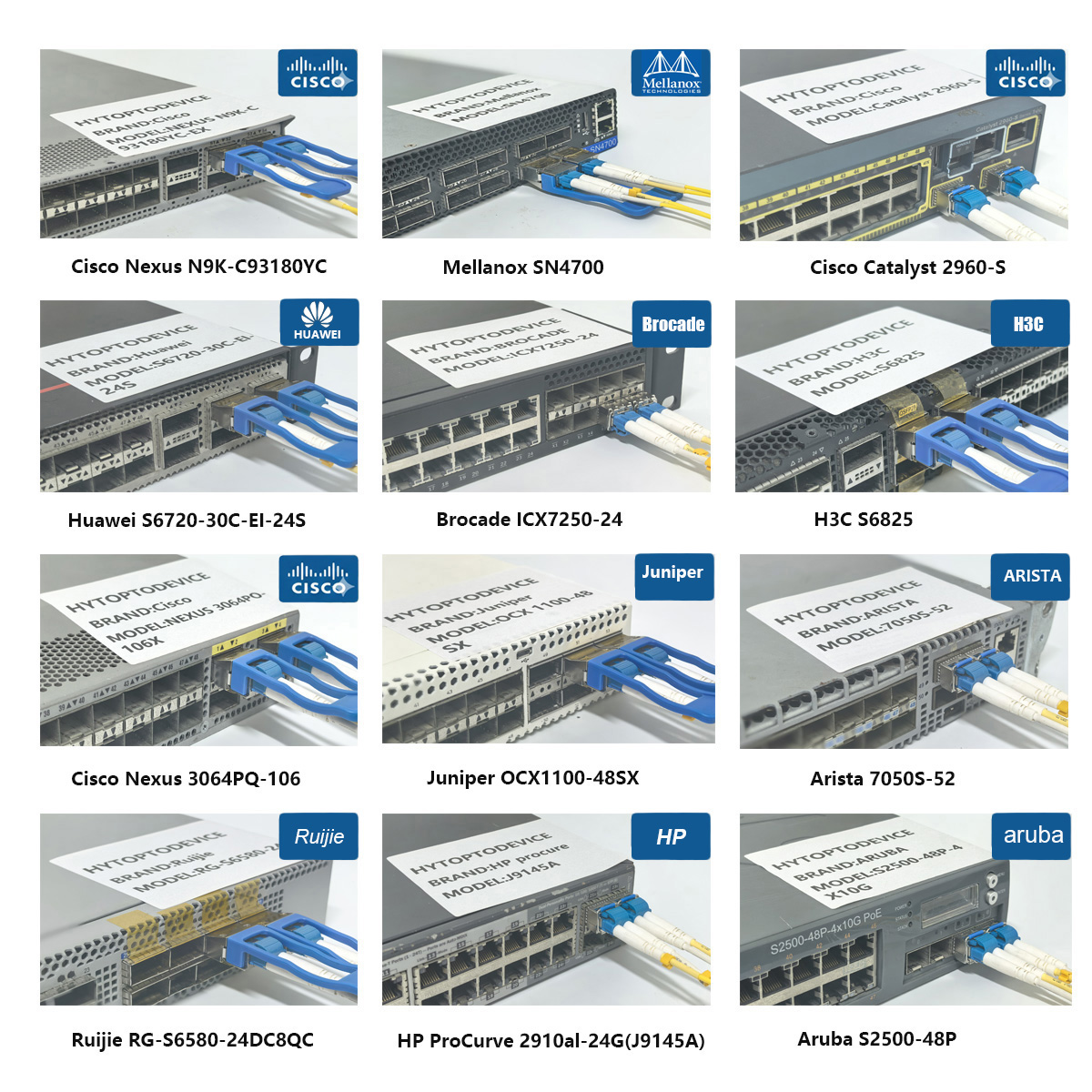
Q1: Does this 80km SFP BiDi transceiver comply with SFP MSA industry specifications? A1: Yes, this SFP BiDi transceiver fully meets SFP MSA specs. Devices with standard 1.25G SFP slots and single-fiber support can achieve basic interoperability. Custom EEPROM may still be needed to remove Cisco IOS vendor-specific alarm messages.
Q2: Must I use matched complementary wavelength pairs to establish a working BiDi fiber link? A2: Yes. BiDi transmission requires paired opposite wavelengths. Pair Tx1490/Rx1550 module at one end with Tx1550/Rx1490 module on the other side. Using same wavelength modules on both ends will cause total link loss and LOS alarms.
Q3: Can I run this long-range BiDi transceiver with multimode fiber cables? A3: No. This 80km transceiver is designed exclusively for single-mode fiber. Multimode fiber fails to meet dispersion and loss requirements for 80km 1000BASE-BX-U transmission, only use OS1 or OS2 single-mode fiber.
Q4: Can this 80km-rated SFP BiDi transceiver be used on fiber links shorter than 10km? A4: Yes, but you have to add an inline optical attenuator (10–15dB) to protect the sensitive receiver. Excessive received optical power overloads PIN receiver and causes unstable links or permanent hardware damage.
Q5: What fiber connector interface is required for this gigabit BiDi optical transceiver? A5: This SFP BiDi transceiver uses simplex LC/UPC connector. Duplex LC connectors do not fit single-strand BiDi operation. Use simplex-LC terminated OS1/OS2 single-mode patch cords for proper connection.
Q6: Will DDM diagnostic monitoring function correctly across different brands of network switches and routers? A6: DDM/DOM follows SFF-8472 standard, supporting real-time Tx power, Rx power and temperature readings on most MSA-compliant hardware. Cisco IOS may limit or hide DDM readouts for third-party transceivers even when hardware monitoring works.
Q7: Can dirty fiber connector end faces lead to transceiver damage or unstable network links? A7: Yes. Dust, oil and scratches on fiber ends create insertion loss and signal reflection. It triggers intermittent packet loss and link flapping; severe contamination can damage internal optical parts. Always clean LC connectors before installation.
Q8: Is this commercial grade 1.25G BiDi transceiver suitable for CPRI cellular tower radio site deployment? A8: This is commercial grade (0-70°C) SFP BiDi transceiver and not built for CPRI radio interfaces. It works for gigabit Ethernet backhaul only if your hardware supports 1000BASE-BX-U and cabinet stays within commercial temperature. Select dedicated CPRI optics for tower CPRI links.
Q9: What compliance documents should buyers check before placing bulk wholesale orders? A9: This transceiver meets RoHS, SFP MSA mechanical/electrical rules and IEEE 802.3z gigabit Ethernet standard. When buying bulk from manufacturer, you can request optical test reports, burn-in records and compliance certificates.
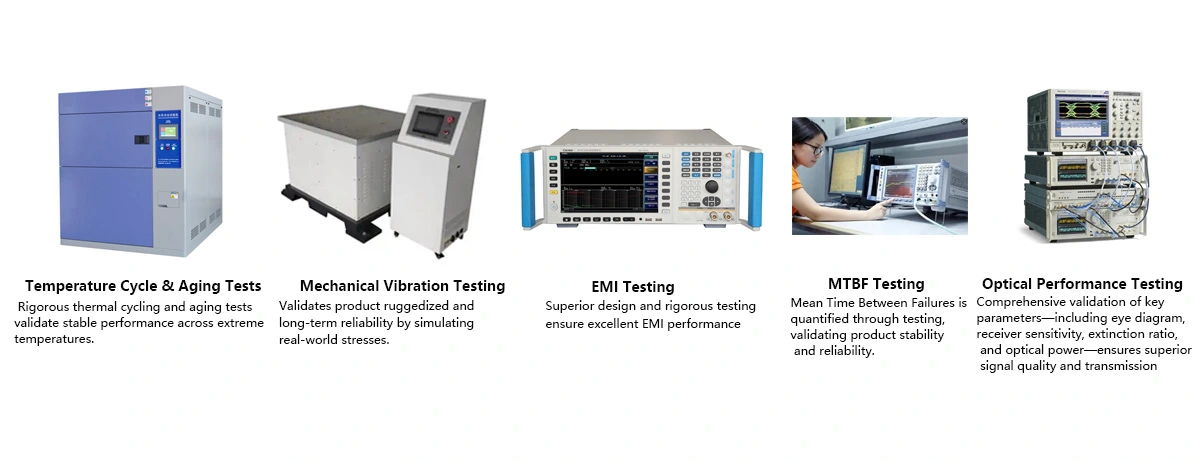
Q10: What MTBF performance can customers expect for this SFP BiDi transceiver under rated working conditions? A10: Lab tested typical MTBF exceeds 1,000,000 hours at 0–70°C commercial temperature. MTBF is a statistical value and not a guaranteed service life; actual lifespan depends on cabinet cooling, fiber cleanliness and field environment.
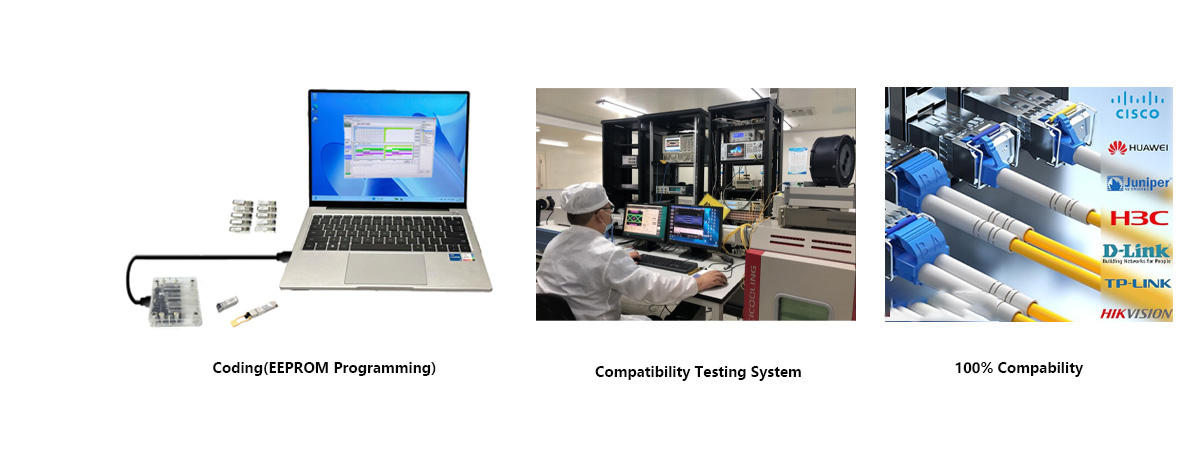
Q11: Is custom EEPROM programming available for older legacy Cisco network hardware during bulk procurement? A11: Yes, custom EEPROM rewriting service is available for bulk orders. As a transceiver manufacturer, we can customize vendor profiles for legacy Cisco hardware to clear unrecognized module alerts. Please provide exact Cisco model, IOS firmware version and OEM part number in pre-sales consultation.
Q12: What causes the “Unsupported Transceiver” warning message on Cisco switch SFP ports? A12: This alert appears when Cisco IOS rejects generic default EEPROM data. It is normally fixed by flashing Cisco-matched customized EEPROM profile. Verify device model and firmware; some older Cisco hardware has hardware locks for third-party optics.
Q13: Can a standard optical power meter verify the transmit optical power output of this BiDi transceiver? A13: Yes, an optical power meter calibrated for 1490–1550nm wavelength band can measure transmit power. Receive power cannot be measured externally; you can only read Rx power via DDM/DOM page on the connected Cisco network device.
Q14: What troubleshooting details should I send to technical support for faulty transceiver issues? A14: Prepare these details: transceiver part number, Cisco host device model & IOS firmware version, DDM screenshots (Tx/Rx power, temperature), fiber type & total link distance, paired BiDi module wavelength, symptoms (LOS, link flapping, alarm text) and site deployment description. This information speeds fault diagnosis greatly.
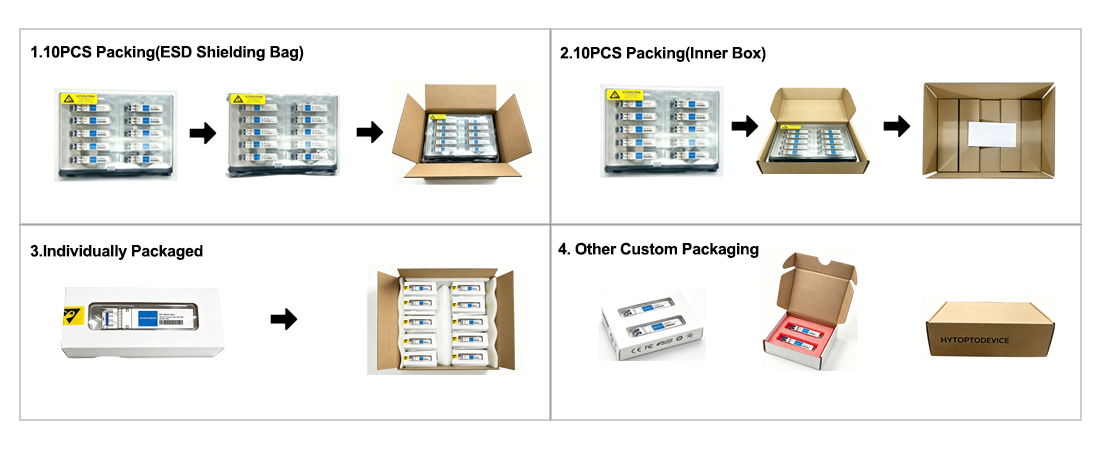
Why Network Engineers Choose HYTOPTODEVICE
HYTOPTODEVICE has supplied over 5000,000 optical transceiver modules to data centers, ISPs, and enterprise networks across 100+ countries since 2011. Every module undergoes a 72-hour burn-in test and full DDM/DOM validation before shipment.
“Phenomenal performance. We deployed 200 HYTOPTODEVICE SFP modules to replace Cisco OEMs in our backbone network. Result? Zero compatibility issues and a 60% reduction in costs. Highly recommended for mission-critical networks."— Senior Network Engineer, Regional Telecom, Australia
Quality Certification & Compliance
At HYTOPTODEVICE, our quality commitment is backed by industry-standard validations. From fiber optical transceiver manufacturing to final visual inspection, from IQC、IPQC、FQC to OQC, our processes ensure global compliance and reliability.
We adhere to rigorous standards for our SFP modules and network solutions:
ISO 9001: Certified quality management and production consistency.
CE & FCC: Fully compliant for seamless Global Market Access.
RoHS: Committed to environmental responsibility and hazardous material control.
Proven Reliability: Rigorous testing to reduce compliance risk and ensure safety.
Certified Quality. Global Standards. Guaranteed Performance.